applies-to:Configure GL Accounts
Note: If Amount and Foreign Amount are not 0 on the Bank/Credit Card GL Account page, only a GoldFinch consultant is allowed to execute the following steps.
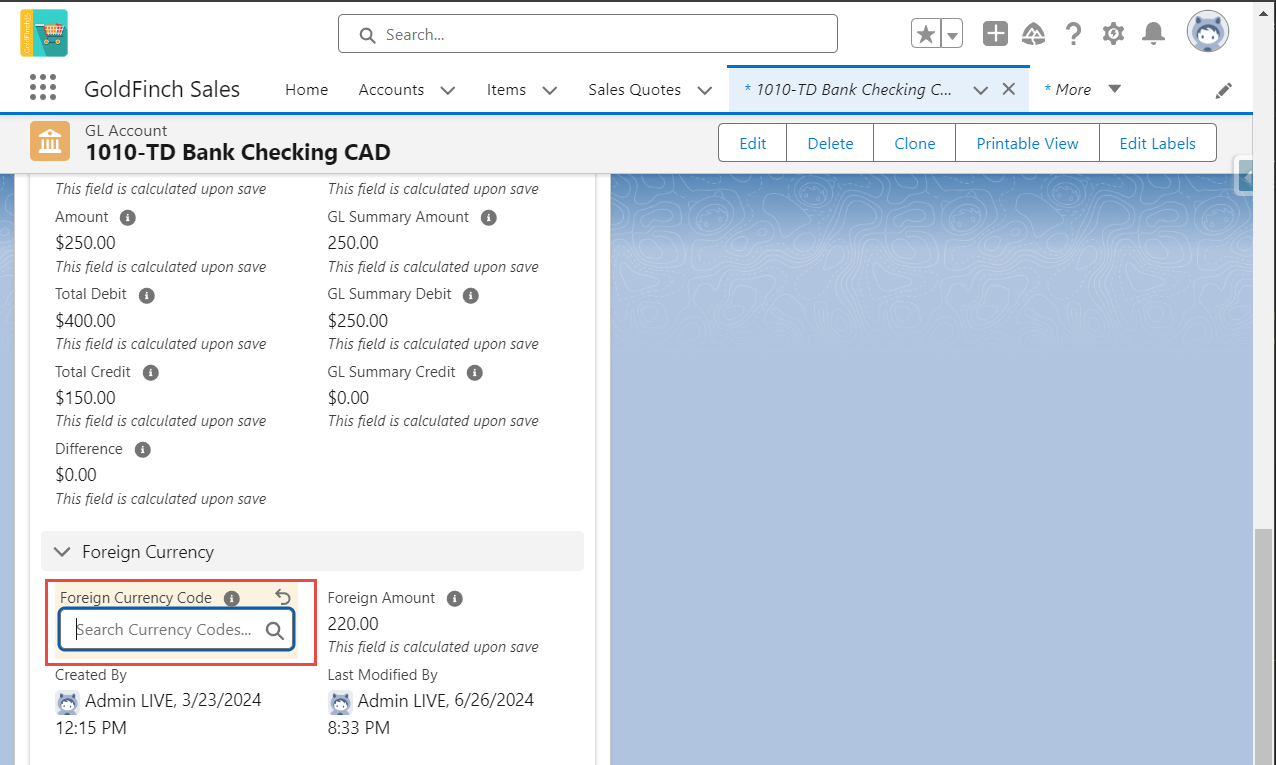
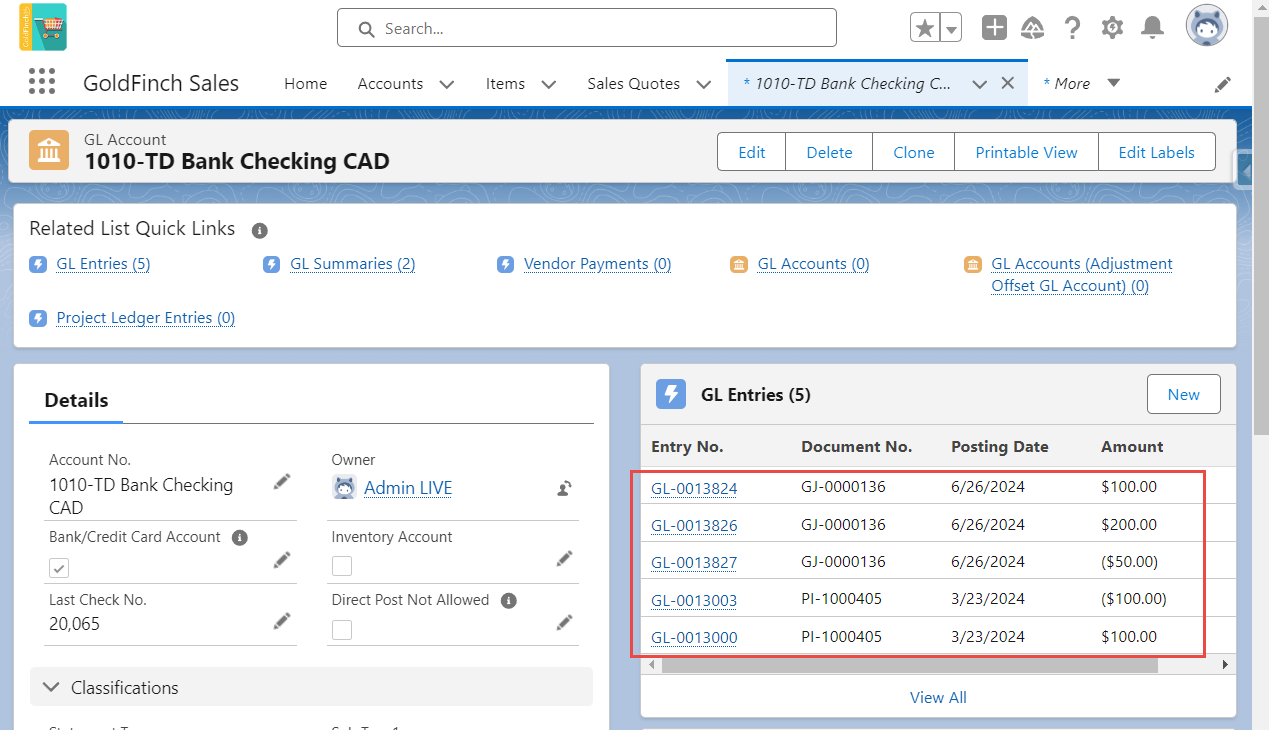
Update the Foreign Currency Code on the Bank/Credit Card GL Account page.
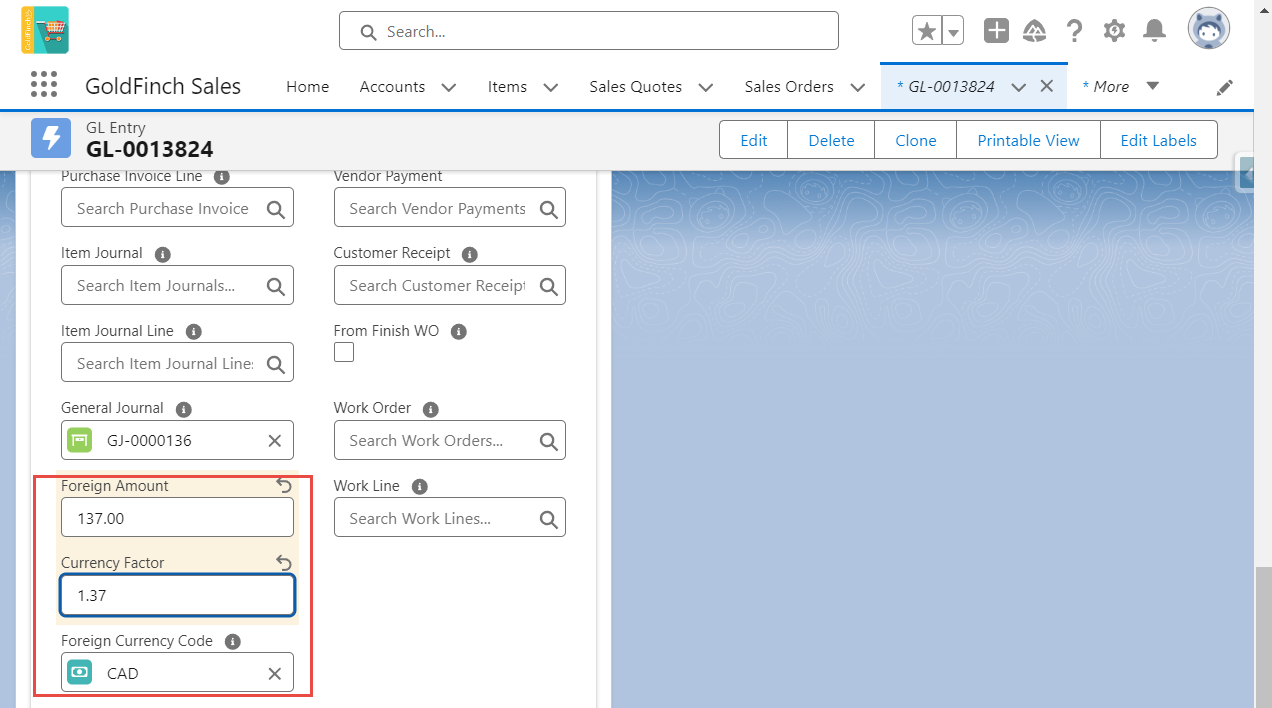
For every GL Entry under the Bank/Credit Card GL Account, update the Foreign Currency Code, Foreign Amount, and Currency Factor from the related Customer Receipts or Vendor Payments.
Make sure Foreign Amount = Amount x Currency Factor.
Comments
0 comments
Please sign in to leave a comment.