applies-to:Timesheet Management
To create timesheet invoices for the previous month, navigate to the Timesheets list. Then click the Create Invoices button.
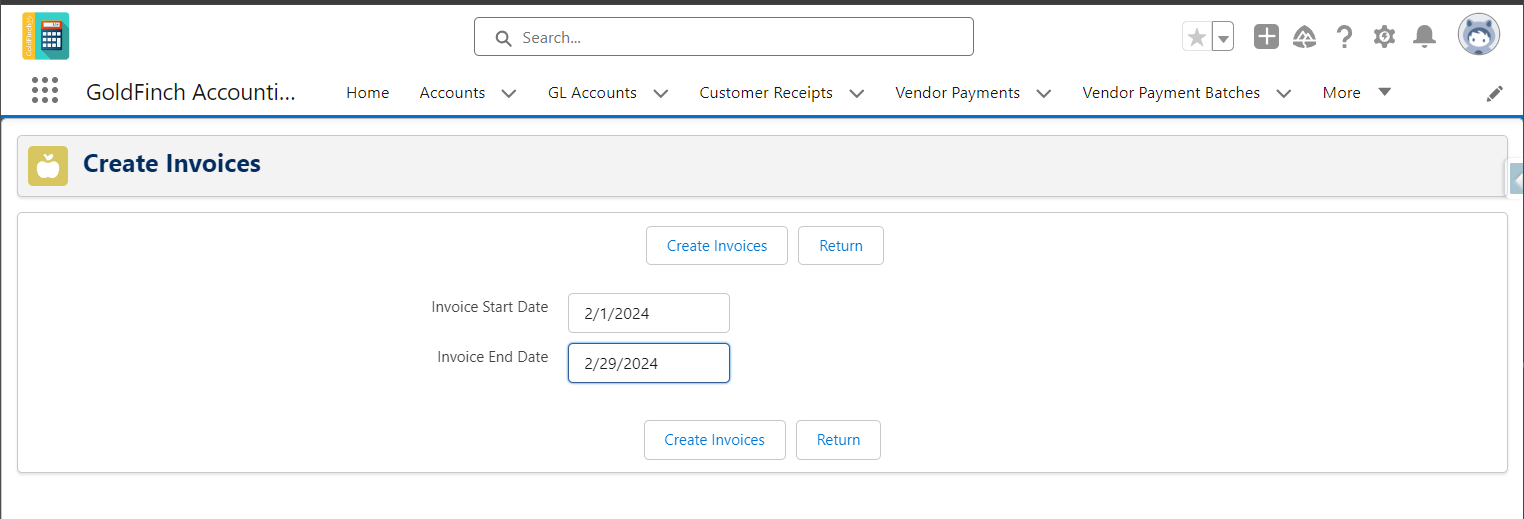
The system defaults the Invoice Start Date and Invoice End Date to be the first and last date of the previous month.
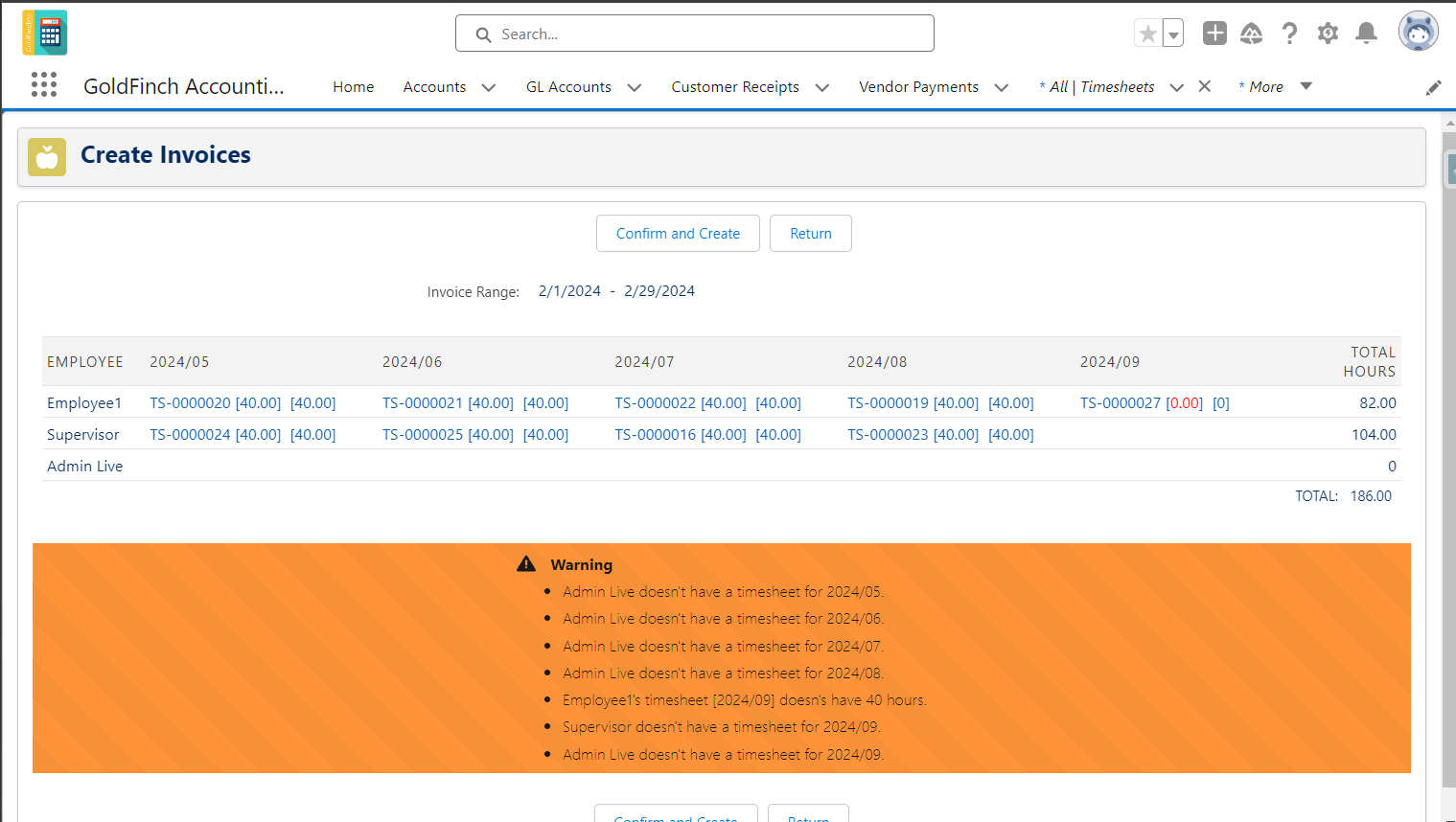
Click Create Invoices. The system will check the following conditions:
-
All employees must have timesheets entered for the entire month.
-
Every timesheet must have at least 40 hours.
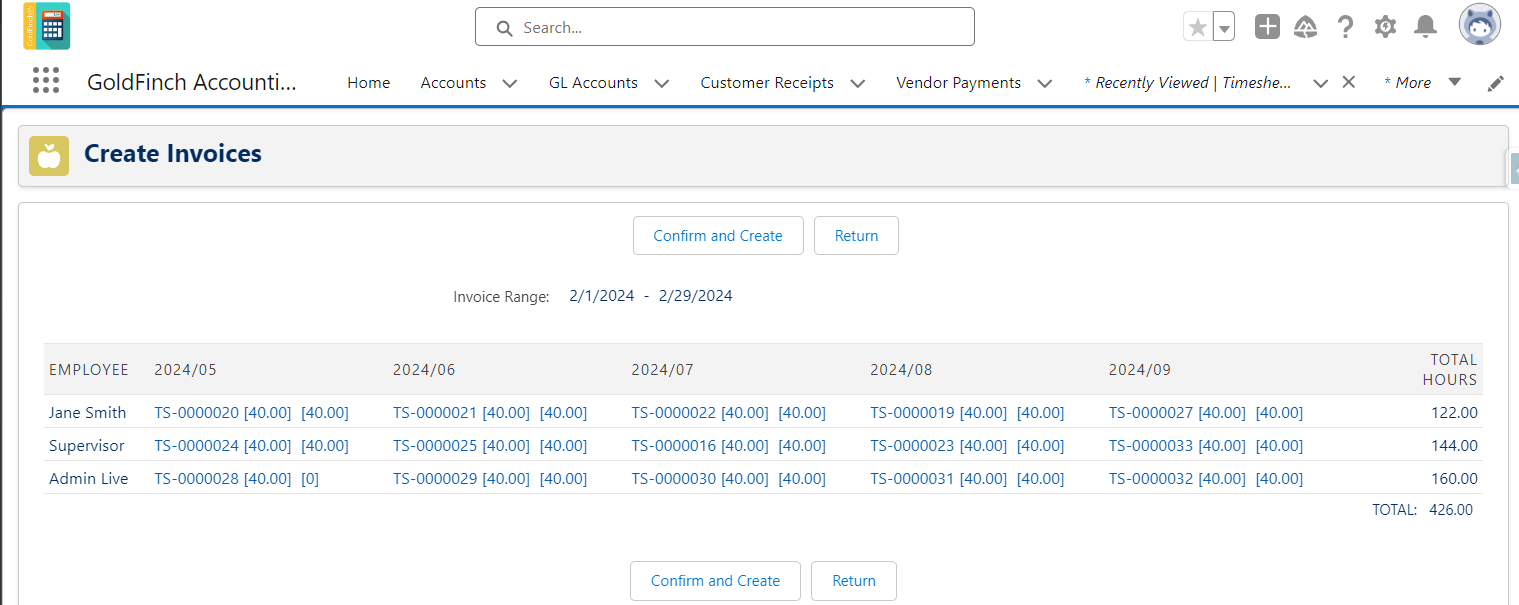
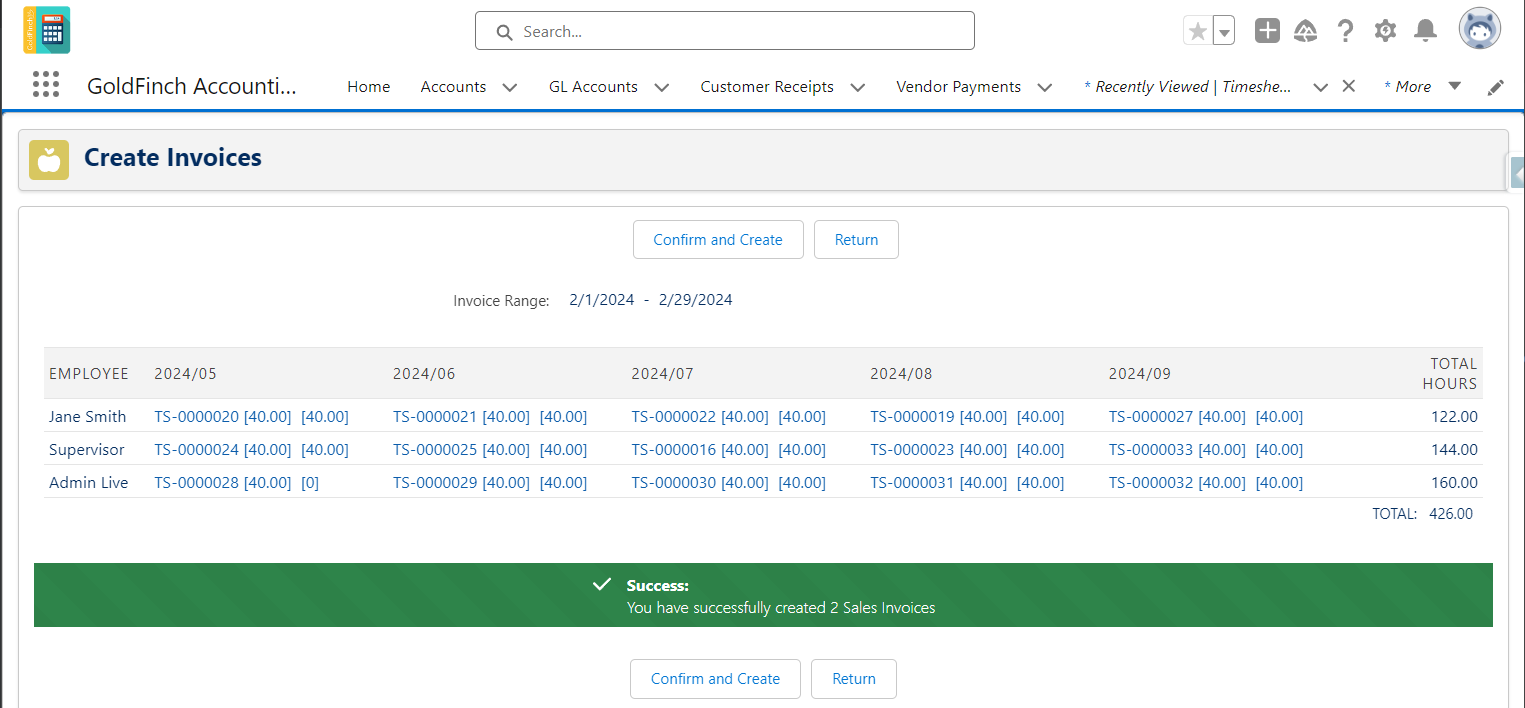
If there are no errors, you can click the Confirm and Create button. Then, sales invoices will be created by each different Customer.
Comments
0 comments
Please sign in to leave a comment.